
Missing a single dose of critical medication can feel small until it isn't. Did you know that roughly half of all patients with chronic illnesses skip doses or stop taking drugs entirely? This isn't just forgetfulness; it costs billions annually and leads to unnecessary hospital visits. If you're reading this, you likely want a system that doesn't rely on your memory alone. We need something better than a standard phone alarm that gets snoozed at 8:05 AM every morning.
The good news is that modern technology has moved far beyond blinking pillboxes. Today's solutions track patterns, verify intake, and even connect directly to your pharmacy. But setting these up requires more than just downloading an app. You have to configure permissions, sync databases, and choose the right tool for your specific regimen. Let's get straight into how to build a system that actually keeps you safe.
The Gap Between Standard Alarms and True Reminders
Most people start with their iPhone or Android clock. It works, sort of. But standard alarms lack context. They ring regardless of where you are, what time zone you're in, or if you've already taken that tablet. When we look at Medication Adherence Systems, they are designed specifically to close the loop between scheduling and confirmation.
A true reminder system knows the difference between being asleep and being late. It integrates with drug databases to prevent dangerous interactions. For instance, using a standard database like RxNorm means the system recognizes your drug by its generic name, reducing input errors significantly. Research suggests that integrating these databases cuts typing mistakes by over 70 percent compared to manual entry.
You also need to consider how alerts work across different channels. Studies show that users who receive combined notifications-like a push notification followed by an SMS text-are significantly less likely to miss a dose than those relying on one channel. If your primary method fails, say you lose internet connectivity, having a backup line ensures safety.
Choosing Your Tool: Apps vs. Hardware
Picking the right platform depends on your tech comfort level and budget. Digital solutions generally fall into three buckets: smartphone applications, connected hardware devices, and hybrid systems.
Tools like Medisafe or Mango Health focus on software logic. They offer calendar syncing and pattern analysis.
Pros: Free versions available, high customizability.
Cons: Requires battery life and smartphone literacy.
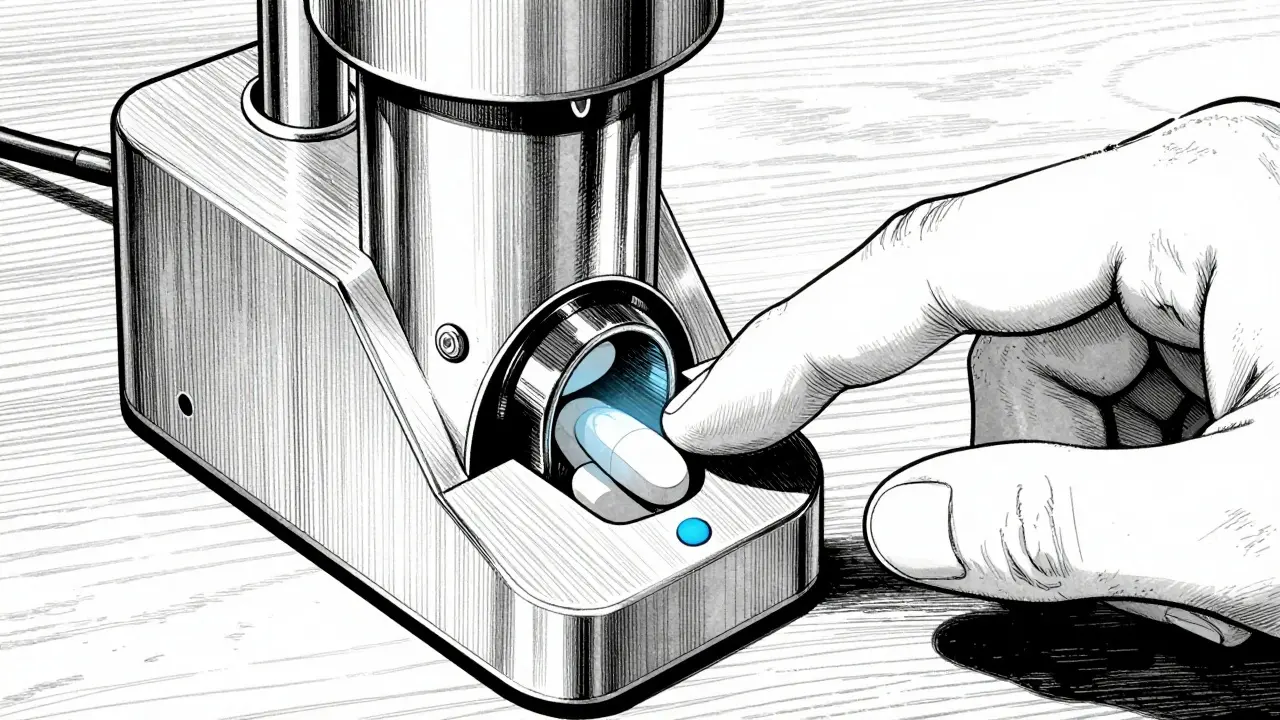
If you prefer physical separation, hardware might suit you better. Devices like automated dispensers lock compartments and release pills at the exact programmed time. While pricier, they eliminate the "did I take that?" question entirely. Data shows that while smartphone apps see usage rates around 74 percent among younger adults, physical devices perform much better with seniors who find touchscreens challenging.
There is also the middle ground of smart pill bottles. These sit on your counter and log when a lid is removed. They bridge the gap for those who want a dedicated device without carrying it everywhere.
| Platform | Primary Strength | Limitations |
|---|---|---|
| Medisafe | AI Pattern Analysis | No direct pharmacy refill integration |
| Mango Health | Retail Pharmacy Links | Fewer caregiver features |
| Round Health | Apple Health Sync | iOS Only |
| CareZone | Family Management | Lower database accuracy |
Configuration Essentials for Stability
Once you select a tool, the setup phase determines success. Rushing here leads to silent failures later. You need to verify five specific settings immediately after installation.
- Time Zone Accuracy: Many failures happen because the app defaults to local server time instead of your device's clock. Manually confirm the time zone matches your living location to avoid daylight saving shift errors.
- Notification Permissions: Don't just allow "Notifications." Go deep into your phone settings to disable auto-snooze or "Do Not Disturb" overrides for medical alerts. This prevents the alert from being silenced during meetings or sleep.
- Database Verification: Scan your medication bottle barcodes. Manual entry introduces typos. Using built-in scanning technology leverages OCR to read labels accurately, which drastically reduces dosage errors.
- Escalation Protocols: Set up rules for missed doses. Does the system vibrate first? Then call a family member? Establishing a tiered alert system ensures someone knows if you miss multiple doses in a row.
- Caregiver Access: If applicable, add secondary contacts. Assign permission levels so they can view your history or edit schedules without needing full login credentials.
Remember, battery drain is a real factor. Background processes used for geolocation or constant pinging can drain your phone by 15 percent a day. Adjust background refresh intervals to hourly rather than instant updates if you notice your power dropping too fast.
Optimizing for Long-Term Success
Setup isn't a one-time event. Maintenance is required to keep the system effective. One major pitfall is "alert fatigue." If your device chirps constantly for everything, you eventually ignore it all.
Customize the noise. Some apps allow audio tones specifically for medications while using different sounds for refills or logs. Also, utilize the camera verification features if available. Some systems require you to photograph the pills in your hand. While this seems intrusive, it verifies intake and helps cut false reporting by almost 90 percent.
Regularly audit your data. Look at your adherence score. Most quality platforms calculate a Proportion of Days Covered (PDC). If this number drops below 80 percent, investigate why. Is a specific time slot causing issues? Shift the schedule by 15 minutes to match your actual routine better.
Troubleshooting Common Issues
Even the best systems glitch. Here is how to handle the most frequent problems users face with digital adherence tools.
Silent Failures: This happens when you expect a buzz but hear nothing. Usually, this stems from OS-level battery optimization killing the app in the background. Whitelist the app in your battery settings to ensure it stays awake.
Pharmacy Disconnects: Refill notifications sometimes lag because APIs change. If alerts stop coming, manually re-link your pharmacy account within the app dashboard once a year.
Date Reset Glitches: Occasionally, daylight savings confusion persists. Re-sync your timezone manually at the start of spring and autumn shifts to be safe.
How do I stop my phone from snoozing medication alerts?
Go into your Phone Settings > Notifications. Find your specific reminder app and enable "Critical Alerts" or "Bypass Do Not Disturb." This forces the alarm to sound even when your phone is on Silent mode.
Is my medical data safe in these apps?
Reputable apps use AES-256 encryption similar to bank-level security. Always check if the developer follows HIPAA or PIPEDA regulations before entering sensitive prescription information.
Can these apps talk to my doctor's records?
Yes, many top systems support HL7 FHIR standards which allows secure sharing of medication lists with Electronic Health Records (EHR), though your doctor must also use compatible software.
What if I travel across time zones?
Most advanced apps detect GPS changes and ask if you want to adjust your schedule to Local Time or stay on Home Time. Confirm this choice immediately upon arriving at your destination.
Do these apps work without internet?
Basic alarms and schedules stored locally work offline. However, cloud syncing for analytics and pharmacy refills requires an active connection, though logs save locally and upload when back online.